

 IND
IND UAE
UAE SA
SA


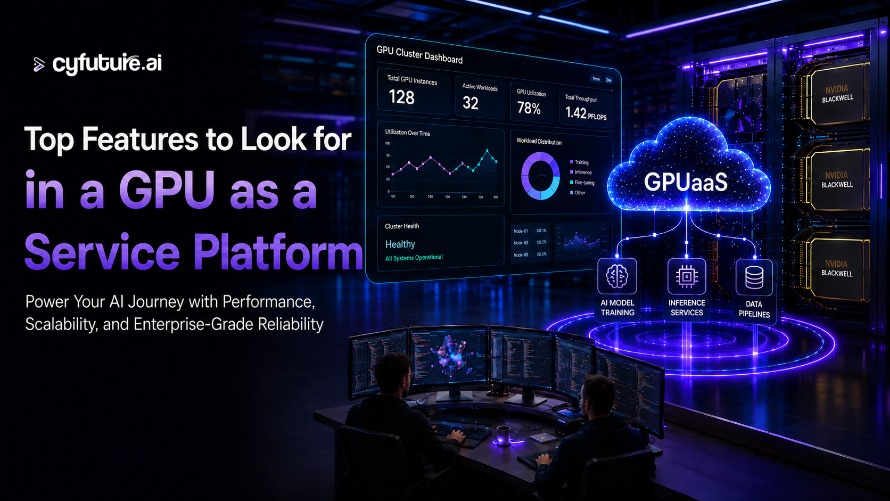
Artificial intelligence is evolving faster than ever, and so are the infrastructure requirements behind it. From training large language models (LLMs) to running real-time AI inference, organizations need access to powerful GPUs without the expense and complexity of building their own GPU clusters.
This is where GPU as a Service (GPUaaS) has become a game changer. Instead of investing millions in specialized hardware, businesses can access enterprise-grade GPU cloud resources on demand, paying only for what they use.
However, not every GPU platform offers the same capabilities. Performance, scalability, networking, storage, pricing, and support vary significantly between providers. Choosing the right platform can directly impact development speed, infrastructure costs, and production reliability.In this guide, we'll explore the most important features to evaluate before selecting a GPU as a Service platform.
Why GPU as a Service Matters
Modern AI workloads are compute-intensive. Whether you're training deep learning models, building recommendation engines, or deploying generative AI applications, GPUs provide the parallel processing power that CPUs simply cannot match.
Instead of purchasing expensive GPU servers that may sit idle between projects, GPUaaS allows organizations to:
- Scale GPU resources instantly
- Reduce capital expenditure
- Accelerate AI development
- Improve infrastructure flexibility
- Support distributed AI teams worldwide
The right platform becomes more than infrastructure—it becomes a competitive advantage.
1. Latest Enterprise GPU Hardware
The first thing to evaluate is the GPU hardware itself.
Many providers still offer older GPU generations that may not deliver the performance needed for today's AI workloads.
Look for platforms that provide access to modern enterprise GPUs capable of supporting:
- Large language model training
- Computer vision
- Natural language processing
- Scientific computing
- High-performance AI inference
A diverse catalog of GPU instances allows organizations to match infrastructure to workload size instead of paying for unnecessary compute capacity.
This flexibility also helps optimize GPU pricing, ensuring teams only pay for the resources they actually need.
2. Fast GPU Provisioning
Waiting hours—or even days—for infrastructure slows innovation.
A high-quality GPU cloud platform should allow users to provision GPU resources within minutes.
Fast provisioning enables developers to:
- Launch experiments immediately
- Test multiple model architectures
- Scale during peak workloads
- Shut down unused resources to save costs
Rapid deployment is especially valuable for agile AI teams that iterate frequently.
3. Flexible GPU Scaling
AI workloads rarely remain constant.
A project may begin with a single GPU for experimentation but later require dozens of GPUs for distributed training.
An effective GPU as a Service platform should support:
- Single-GPU workloads
- Multi-GPU configurations
- Horizontal scaling
- Automatic resource expansion
- On-demand capacity increases
Elastic scalability prevents overprovisioning while ensuring sufficient compute power when demand grows.
4. High-Speed Networking
For distributed AI training, networking performance is just as important as GPU performance.
Slow communication between GPUs can significantly increase training time.
Look for platforms that provide:
- High-bandwidth networking
- Low-latency interconnects
- InfiniBand support
- High-speed Ethernet
- Optimized multi-node communication
These capabilities are essential for training large AI models efficiently.
5. High-Performance Storage
AI workloads generate enormous datasets.
Training performance depends heavily on how quickly data can be loaded into GPUs.
Choose providers offering:
- NVMe SSD storage
- High-throughput parallel storage
- Fast data caching
- Scalable object storage
- Low-latency file systems
Efficient storage minimizes GPU idle time and maximizes utilization.
6. Transparent GPU Pricing
One of the biggest concerns when evaluating GPUaaS providers is cost.
Some providers include hidden networking fees, storage charges, or expensive data transfer costs.
Transparent GPU pricing should include:
- Pay-as-you-go billing
- Hourly pricing
- Monthly reserved options
- Clear storage charges
- No hidden infrastructure costs
Cost visibility helps engineering teams manage budgets while scaling AI workloads confidently.
7. Kubernetes and Container Support
Modern AI applications rely heavily on containers.
Native Kubernetes integration enables organizations to deploy, manage, and scale AI workloads more efficiently.
Features worth considering include:
- Kubernetes-native orchestration
- Docker compatibility
- Container image management
- Automated workload scheduling
- GPU-aware orchestration
These capabilities simplify deployment while improving resource utilization.
8. Enterprise-Grade Security and Compliance
AI infrastructure often handles sensitive enterprise data.
Security should never be an afterthought.
Evaluate whether the platform offers:
- Data encryption
- Secure network isolation
- Identity and access management
- Multi-factor authentication
- Compliance certifications
- Continuous security monitoring
Organizations operating in regulated industries particularly benefit from robust security controls.
9. Intelligent Monitoring and Automation
Infrastructure visibility is critical for maintaining AI performance.
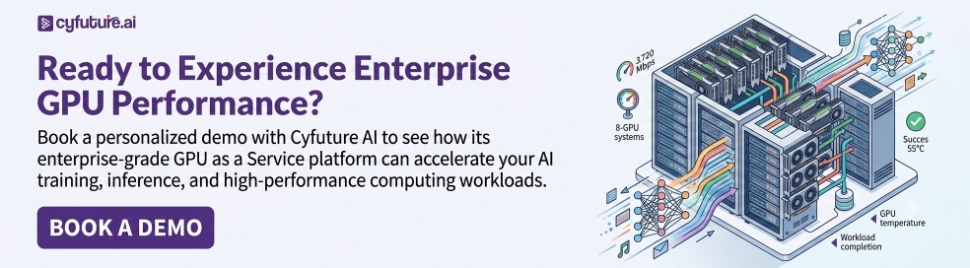
A modern GPU cloud platform should provide real-time insights into:
- GPU utilization
- Memory consumption
- Temperature
- Storage performance
- Network throughput
- Resource allocation
Automation features such as health monitoring, auto-recovery, and workload optimization reduce operational overhead while improving system reliability.
10. Expert Technical Support
AI infrastructure can become complex quickly.
Whether you're configuring distributed training or troubleshooting performance bottlenecks, access to experienced engineers makes a significant difference.
Look for providers that offer:
- 24×7 technical support
- AI infrastructure specialists
- Migration assistance
- Architecture guidance
- Performance optimization recommendations
Strong technical support reduces downtime and accelerates project delivery.
Real-World Example: Faster Model Development with GPUaaS
Consider a startup developing an AI-powered medical imaging solution.
Initially, the engineering team trained models using on-premises GPUs, often waiting in queues for available hardware. Training iterations took days, delaying experimentation and increasing development costs.
After moving to a GPU as a Service platform with on-demand GPU instances, NVMe storage, Kubernetes support, and high-speed networking, the team could spin up multiple training environments simultaneously. Engineers tested different model architectures in parallel, automatically shut down unused resources after each experiment, and paid only for active compute time.
The result was shorter training cycles, improved GPU utilization, and a noticeable reduction in infrastructure costs. Instead of investing heavily in additional hardware, the team focused its budget on model innovation and product development.
Why Cyfuture AI is a Strong Choice for GPUaaS
Selecting the right infrastructure partner involves more than comparing hardware specifications.
Cyfuture AI delivers enterprise-ready AI infrastructure designed to support modern AI workloads with performance, scalability, and operational efficiency.
With Cyfuture AI, organizations benefit from:
- Enterprise-grade GPU infrastructure
- Flexible and scalable GPU instances
- High-performance storage
- Fast provisioning
- Secure cloud environments
- Transparent GPU pricing
- Reliable technical support
- Infrastructure optimized for AI training and inference
Whether you're building generative AI applications, training foundation models, or deploying production inference pipelines, Cyfuture AI provides the performance and flexibility needed to scale confidently.
Final Thoughts
Choosing the right GPU as a Service platform is a strategic decision that directly influences AI development speed, infrastructure efficiency, and long-term costs.
Rather than focusing solely on GPU specifications, evaluate the complete ecosystem—including networking, storage, scalability, security, pricing, orchestration, and technical support. A well-designed GPUaaS platform enables faster experimentation, better resource utilization, and smoother production deployments.
As AI workloads continue to grow in complexity, organizations that invest in flexible and scalable AI infrastructure will be better positioned to innovate, reduce operational overhead, and deliver AI solutions faster.
FAQs:
1. What is a GPU as a Service (GPUaaS) platform?
A GPU as a Service (GPUaaS) platform provides cloud-based access to high-performance GPUs without requiring businesses to purchase or maintain expensive hardware. It enables AI training, machine learning, deep learning, data analytics, 3D rendering, and HPC workloads on demand.
2. Which GPU types should a reliable GPUaaS provider offer?
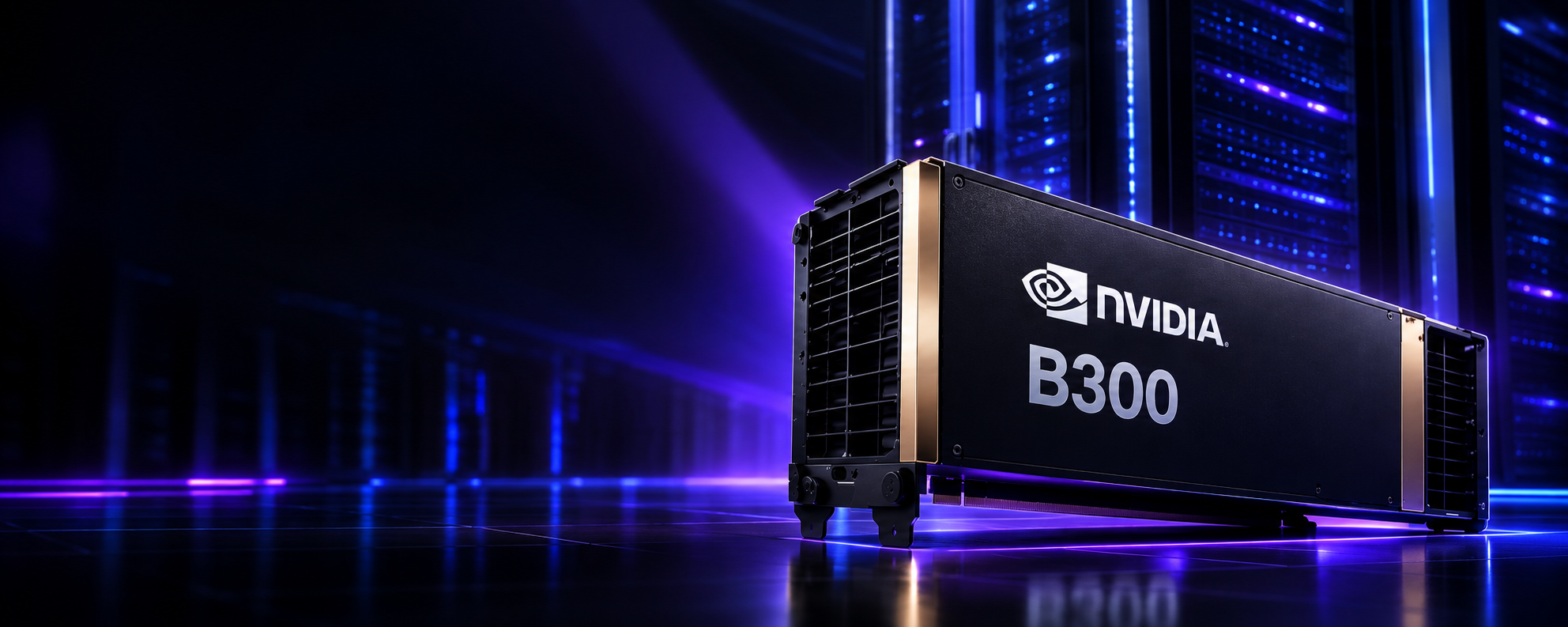
A quality GPUaaS platform should offer the latest NVIDIA GPUs such as H100, H200, B200, B300, A100, L40S, and RTX series GPUs. Multiple GPU options allow users to choose the right balance of performance and cost for their workloads.
3. Why is scalability important in a GPU cloud platform?
Scalability enables you to increase or decrease GPU resources instantly based on workload demands. This flexibility helps businesses optimize costs while maintaining high performance during AI training or inference.
4. How important is GPU performance for AI workloads?
GPU performance directly impacts model training speed, inference latency, and overall productivity. Look for platforms offering high-speed interconnects, large GPU memory, and optimized infrastructure for AI and HPC applications.
5. What security features should a GPUaaS platform provide?
A secure GPU platform should include:
- End-to-end encryption
- Multi-factor authentication (MFA)
- Network isolation
- DDoS protection
- Compliance with standards like ISO 27001, SOC 2, and GDPR (where applicable)
- Regular backups and disaster recovery options
6. Should a GPUaaS platform support multiple AI frameworks?
Yes. The platform should support popular AI and ML frameworks such as TensorFlow, PyTorch, Jupyter Notebook, CUDA, cuDNN, Kubernetes, Docker, and popular LLM development tools for seamless deployment.
7. What pricing model is best for GPU as a Service?
The best GPUaaS providers offer flexible pricing options, including:
- Pay-as-you-go
- Reserved instances
- Monthly subscriptions
- Dedicated GPU servers
- Enterprise pricing for long-term projects
Transparent pricing with no hidden fees is a key consideration.
8. Why does network performance matter in GPUaaS?
Fast networking minimizes communication delays between GPUs, storage, and compute nodes. High-speed networking improves distributed AI training, large dataset processing, and multi-GPU performance.
Author Bio:
Meghali is a tech-savvy content writer with expertise in AI, Cloud Computing, App Development, and Emerging Technologies. She excels at translating complex technical concepts into clear, engaging, and actionable content for developers, businesses, and tech enthusiasts. Meghali is passionate about helping readers stay informed and make the most of cutting-edge digital solutions.