

 IND
IND UAE
UAE SA
SA


A Question Behind Every AI Answer
A person opens a chat interface, types a question, and gets an answer in a couple of seconds. On the surface, that looks like a simple request-response exchange. Underneath it, that single interaction may pass through a load balancer, a model-serving layer, a GPU cluster running inference, a KV cache holding conversation context, a retrieval system querying a vector database, a network fabric moving tensors between accelerators, a storage layer serving embeddings, and a monitoring stack watching all of it for failures and latency spikes.
None of that complexity is visible to the person asking the question. It doesn't need to be. But for the organization operating that system, the question that matters is different: what happens when all of those components — compute, networking, storage, data pipelines, orchestration, power, and cooling — are designed and operated together as one production system rather than as a loose collection of servers?
That question is where the term AI Factory becomes useful, not as a marketing phrase, but as a way of describing a specific infrastructure and operating model.
What Is an AI Factory?
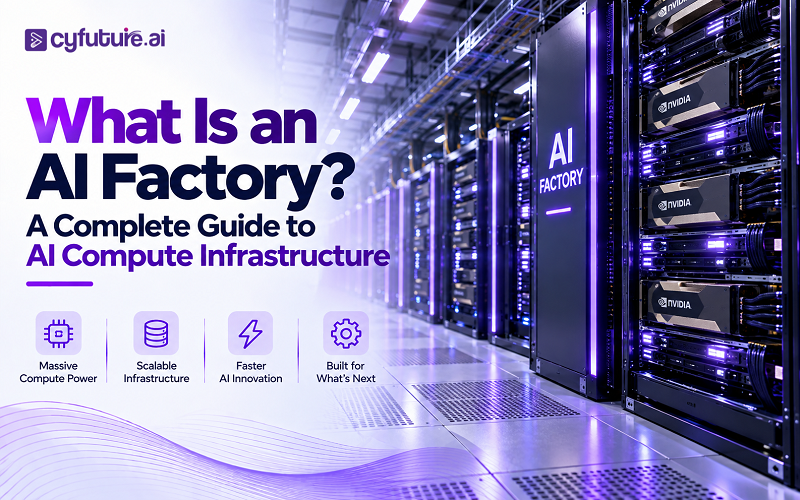
An AI Factory is an integrated infrastructure system — GPU compute, networking, storage, data pipelines, orchestration software, power, and cooling — engineered to continuously convert data and compute into AI outputs: model predictions, generated content, embeddings, classifications, and automated decisions. It is a production model, not a single machine or building.
The factory analogy is worth taking seriously rather than dismissing as marketing shorthand. A traditional factory takes raw materials through a defined process and produces a consistent, repeatable output. It has input handling, a production line, quality control, and a feedback loop back into the process. An AI Factory follows the same operational logic, just with different inputs and outputs: data and compute go in, and inference results, trained models, and generated content come out, continuously, at a rate the organization can plan around.
The concept has gained traction alongside the rise of generative AI, foundation models, retrieval-augmented generation, and AI agents — workloads that behave less like occasional batch jobs and more like always-on production services with unpredictable, bursty demand. Conventional enterprise infrastructure, built around CPU-centric applications and databases, was not designed with that workload profile in mind. AI Factory thinking exists because the infrastructure requirements changed first, and the terminology followed.

Why AI Factories Are Different From Traditional Data Centers
Not every AI deployment requires a purpose-built AI Factory, and not every characteristic below applies to every AI workload — but the pattern shows up consistently enough in production GPU environments to be worth stating plainly.
| Characteristic | Traditional Data Center | AI Factory |
|---|---|---|
| Primary compute | CPU-heavy | GPU / accelerator-heavy |
| Rack density | Moderate | Often significantly higher |
| Power density | Lower | Substantially higher per rack |
| Cooling | Predominantly air-cooled | Increasingly liquid-cooled |
| Networking | Conventional Ethernet, north-south traffic | High-bandwidth, low-latency, east-west heavy |
| Storage | General-purpose | High-throughput, AI-pipeline oriented |
| Workloads | Enterprise applications, databases | Training and inference |
| Scheduling | VM / container oriented | GPU-aware workload orchestration |
| Optimization scope | Application level | Full-stack, hardware to software |
The Anatomy of an AI Factory
Thinking of an AI Factory as stacked layers makes the moving parts easier to reason about, and easier to troubleshoot when something underperforms.
Each layer depends on the ones below it. An inference engine can only be as fast as the GPU compute it runs on; GPU compute can only be as efficient as the networking moving data between chips; networking is only as useful as the storage feeding it; and none of it functions without adequate, reliably delivered power and heat removal. Weakness in any single layer caps what the layers above it can deliver.
GPU Compute — The Engine of the AI Factory
GPUs became central to AI infrastructure because deep learning is, at its core, an enormous volume of matrix multiplication — an operation GPUs are architecturally built to parallelize across thousands of cores, while CPUs are built for sequential, general-purpose logic. Modern data-center GPUs add dedicated tensor cores for these operations, plus high-bandwidth memory (HBM) that keeps model weights and activations close to the compute units instead of waiting on slower system memory.
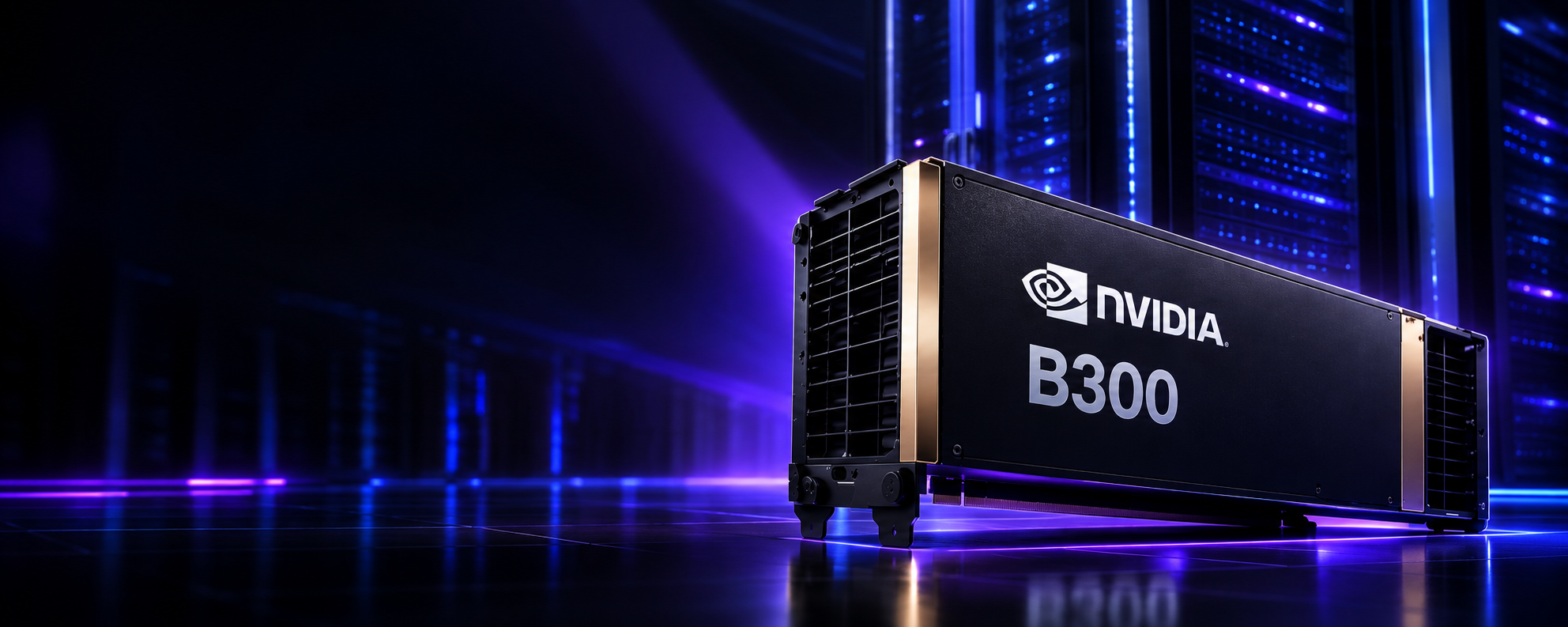
An AI Factory rarely runs on one GPU class end to end. Large-scale training and dense inference on frontier-scale models typically run on high-end data-center accelerators such as NVIDIA's B300 or B200 Blackwell-generation GPUs, or AMD's Instinct MI300X series. Workloads with different memory or visualization profiles may be better matched to professional-class GPUs such as the NVIDIA RTX PRO 6000. The right answer depends on model size, context length, concurrency, and budget — not on which GPU has the highest specification sheet.

Why GPU Memory Matters Inside an AI Factory
GPU memory — HBM on data-center accelerators, GDDR on consumer and some professional cards — holds model weights, intermediate activations, and, for inference, the KV cache that stores attention context for every active conversation or request. As context length, batch size, and concurrent request count grow, memory footprint grows with them, often faster than raw compute demand does.
This is a genuine infrastructure bottleneck distinct from compute throughput. A GPU can have ample FLOPS available and still be unable to serve more concurrent requests because it has run out of memory for KV cache. It's worth being precise here: more memory capacity does not automatically mean better performance — it removes a specific constraint (fitting larger models or more concurrent sessions without sharding), while compute throughput determines how fast the work inside that memory footprint actually runs. Both matter, but they solve different problems.
AI Networking — The Part People Often Underestimate
Distributed training splits a model or a batch of data across many GPUs, which then need to exchange gradients or activations constantly during each training step. Large-scale inference has a milder but real version of the same problem when a model is sharded across GPUs. This GPU-to-GPU traffic — often called east-west traffic — behaves very differently from the north-south client-to-server traffic conventional data center networking was built to optimize.
Technologies like NVIDIA NVLink for GPU-to-GPU links inside a node, and InfiniBand or RDMA-capable high-speed Ethernet between nodes, exist specifically to reduce the latency and increase the bandwidth of these collective operations. Topology and congestion management matter as much as raw link speed, because a single slow or oversubscribed path can stall an entire distributed training step. Put simply: a cluster is only as efficient as the slowest critical path in its data movement — GPU specifications on a data sheet don't tell you where that path is.

AI Storage — Feeding Data to the Factory
Compute is only useful if it can be kept fed. AI pipelines move enormous volumes of training data, checkpoints, embeddings, and generated outputs between object storage, high-performance file systems, and GPU memory. When storage throughput or the networking between storage and compute can't keep pace, GPUs sit idle waiting for the next batch — a condition commonly called GPU starvation, and it's one of the more common, and more expensive, causes of poor utilization in AI clusters.
The practical chain to watch is storage throughput → networking → CPU data-loading pipeline → GPU utilization. A bottleneck anywhere in that chain shows up downstream as underused, expensive accelerators, which is why AI storage is usually planned around NVMe and parallel file systems rather than general-purpose enterprise storage tiers.
Power Is Becoming a Core AI Infrastructure Constraint
Modern data-center GPUs draw substantially more power per chip than earlier generations, and that power draw compounds quickly across a rack. An 8-GPU server with high-TDP accelerators can approach or exceed the power envelope an entire traditional server rack used to require. That changes electrical design requirements — power distribution, redundancy, UPS sizing, and capacity planning — well before it changes anything about the application layer.
This isn't a claim that AI is straining national power grids on its own; it's a narrower, more useful engineering point: organizations planning AI infrastructure need to model power density per rack explicitly, because the assumptions that worked for conventional enterprise racks generally don't transfer.
Why Liquid Cooling Is Becoming Important for AI Factories
As rack power density rises, the amount of heat that needs to be removed rises with it, and air cooling has physical limits on how much heat it can move per unit of airflow before it becomes impractical — more, louder fans, more floor space for airflow management, and diminishing returns. Direct-to-chip liquid cooling uses cold plates mounted on the GPU and CPU packages, connected to a coolant distribution unit (CDU), to remove heat far more efficiently at the source. Immersion cooling, which submerges hardware directly in a dielectric fluid, is a further step some operators use for even denser deployments.
Air cooling still works fine for many conventional and moderate-density workloads — liquid cooling isn't mandatory for every AI deployment. It becomes a practical necessity once rack density crosses a threshold where air simply cannot carry away heat fast enough without an unreasonable amount of airflow engineering. This is why Cyfuture AI's liquid-cooled AI data center infrastructure is built specifically around direct-to-chip cooling rather than retrofitted air-cooled halls.

Building Infrastructure for High-Density AI?
AI workloads need more than powerful GPUs. Power delivery, thermal management, networking, and compute density all have to work together as one system.
AI Software Is the Control Layer of the Factory
Hardware alone doesn't make an AI Factory operational. CUDA and GPU drivers expose accelerator capability to frameworks; training and inference frameworks turn model definitions into GPU instructions; containers and orchestration platforms such as Kubernetes with GPU operators schedule that work onto available accelerators; and model-serving layers, APIs, and observability tooling turn all of it into something an application can actually call.
Not every AI Factory looks identical here. Some organizations run Kubernetes-based GPU orchestration end to end; others use vendor-specific schedulers, Slurm for training clusters, or a mix of both across training and inference. The stack varies by workload and team preference — what stays constant is that some orchestration layer has to exist between raw compute and the application.
Training and Inference Are Two Different Production Lines
Treating training and inference as the same infrastructure problem is a common early mistake. They optimize for different things.
Training Priorities
- Sustained throughput across long-running jobs
- Efficient distributed GPU utilization
- High-speed interconnect for gradient synchronization
- Reliable checkpointing against failure
- Large, high-throughput dataset access
Inference Priorities
- Low, predictable latency per request
- High concurrency across many users
- Model-serving and autoscaling efficiency
- Cost per request rather than per job
- Availability and failover under live traffic
An AI Factory frequently runs both as parallel production lines with different infrastructure tuning — sometimes on different GPU classes entirely — rather than as one undifferentiated compute pool.
From Data to Intelligence — How an AI Factory Operates
What makes the factory analogy meaningful rather than decorative is that the process is repeatable. It isn't a pile of servers doing occasional jobs — it's a pipeline that runs continuously and feeds itself.
What Comes Out of an AI Factory?
The output of an AI Factory is rarely a physical object — it's usable AI work: model predictions, generated text, images, video, embeddings, recommendations, classifications, automated decisions, agent actions, forecasts, simulations, and synthetic data. That's why infrastructure maturity is increasingly measured by continuous, useful AI output rather than simply by how many GPUs are installed. A cluster with poor utilization or bottlenecked networking can be "large" on paper and still produce very little usable output per rupee spent.
AI Factory vs GPU Cluster vs AI Data Center
These three terms get used interchangeably in casual conversation, but they describe different scopes, and conflating them leads to incomplete infrastructure planning.
| Concept | Primary Focus | Scope |
|---|---|---|
| GPU Cluster | Accelerated compute | Compute layer only |
| AI Data Center | Physical infrastructure | Facility + compute |
| AI Factory | End-to-end AI production | Data + compute + software + operations |

AI Factory Architecture at Enterprise Scale
At enterprise scale, the stack extends upward to include the application layer users interact with, and downward through the physical facility.
RAG, agents, and direct API/tool calls sit side by side because a single application often uses all three — retrieval for grounding, an agent for multi-step reasoning, and direct API calls for deterministic operations — all funneling into the same model-serving and GPU layer beneath them.
Scaling an AI Factory
Scaling can happen along several independent dimensions: vertical scaling to more powerful GPUs, horizontal scaling to more GPU nodes, cluster scaling to larger interconnected systems, application scaling through more inference replicas, and data scaling through larger datasets and higher ingestion throughput.
Adding GPUs does not automatically produce a proportional increase in useful output. Networking bottlenecks, storage throughput limits, scheduling inefficiency, communication overhead in distributed training, and the parallelism strategy chosen for a given model architecture all determine how much of that added compute actually converts into usable work. This is why capacity planning for an AI Factory has to look at the whole stack, not just accelerator count.
Observability — Measuring the AI Factory
A mature AI Factory is monitored across three layers simultaneously.
Infrastructure Metrics
GPU utilization, GPU memory utilization, power draw, temperature, network throughput, storage throughput.
AI Workload Metrics
Inference latency, tokens per second, requests per second, batch utilization, queue time.
Application Metrics
Task completion rate, retrieval quality, model quality, error rate, cost per workload.
Infrastructure utilization alone doesn't equal business value — a GPU running at 95% utilization on a poorly retrieving RAG pipeline is still producing low-quality output efficiently. Observability needs to span all three layers to be genuinely useful.
AI Factory Economics
The core cost decision is between CapEx-heavy ownership — GPU acquisition, data-center build-out, networking, storage, staffing, depreciation, and hardware refresh cycles — and consumption-based access through GPU cloud or GPU-as-a-Service, where those same capabilities are paid for as an operating expense.
Neither model is universally cheaper. Ownership can make sense at sustained high utilization over a multi-year horizon with a team already equipped to run GPU infrastructure. Consumption-based access tends to make more sense for variable workloads, faster time-to-access, and organizations that would rather deploy capital into product or research than into depreciating hardware. The right answer depends on utilization patterns, procurement timelines, and how quickly the underlying accelerator generation is expected to change.
Need GPU Capacity Without Building the Entire AI Factory?
Organizations can access accelerated compute without designing every layer of the physical infrastructure themselves.
The Role of AI Factories in Generative AI
Generative AI accelerated interest in the AI Factory model because foundation models, LLM inference, multimodal generation, and fine-tuning all demand sustained, production-grade infrastructure rather than occasional batch compute. There's a meaningful difference between training a model — a bounded, if intensive, project — and operating an AI service at production scale, which is an ongoing commitment to availability, latency, and cost discipline across every request the service ever receives.
AI Factories and AI Agents
Agents change infrastructure planning because a single user request can trigger multiple model calls, retrieval steps, tool invocations, and API requests chained together, rather than one inference call producing one response. That multiplies the infrastructure operations behind an interaction that still looks simple from the outside, with direct consequences for inference capacity planning, latency budgets, observability (tracing a request across many steps rather than one), cost accounting, and security surface area. None of this requires treating agents as autonomous systems making independent decisions — it's a straightforward point about request fan-out and its infrastructure cost.

Security and Governance Inside an AI Factory
Because an AI Factory frequently processes sensitive enterprise data, security has to operate across the full chain from data to application: data governance and encryption, identity and access control, model access permissions, GPU and tenant isolation on shared infrastructure, audit logging, model governance around what a model was trained or fine-tuned on, data residency requirements, supply-chain security for hardware and software components, and security at the AI application layer itself — prompt handling, output filtering, and tool-call permissions for agents.
AI Factory vs Conventional Cloud Infrastructure
Conventional cloud infrastructure can and does support AI workloads — this isn't a claim that general-purpose cloud can't run AI. The distinction is that AI workloads often benefit from, and sometimes require, infrastructure configurations that differ from typical general-purpose cloud environments: higher compute density, specialized GPU-to-GPU networking, storage tuned for high-throughput data pipelines, cooling suited to accelerator power draw, and workload orchestration built around GPU scheduling rather than generic container placement.
Designing Infrastructure for AI Workloads?
From GPU compute to high-density infrastructure, AI applications need an environment designed around their actual workload profile — not a general-purpose environment stretched to fit.
What Does an AI Factory Look Like in India?
India's AI infrastructure build-out is being shaped by rising enterprise GPU demand, data-center capacity expansion, and data-residency expectations under the DPDP Act, 2023. Enterprises in regulated sectors such as BFSI and healthcare face a genuine constraint that isn't just preference: data often needs to stay within Indian borders, which pushes demand toward India-hosted GPU cloud rather than compute served from overseas regions.
That combination — GPU scarcity relative to demand, power and cooling requirements that favor purpose-built facilities, and data-residency needs — is why India-hosted providers operating liquid-cooled facilities, such as Cyfuture AI's data centers in Noida, Jaipur, and Raipur, have become a practical route for Indian enterprises and AI startups to access AI Factory-grade compute without importing and operating the hardware themselves.
Building vs Renting AI Factory Capacity
Organizations sit somewhere on a spectrum, and combining models is common rather than exceptional.
Build Your Own
Maximum control, but requires capital, a facility, power and cooling infrastructure, hardware procurement, and an operations team.
Colocation
Customer-owned hardware housed inside a third-party data center, sharing facility power and cooling infrastructure.
GPU Cloud
Consume GPU capacity through a cloud provider's shared or dedicated infrastructure on flexible billing terms.
GPU-as-a-Service
Consume GPU compute without managing the physical stack at all — hourly, reserved, or dedicated bare metal.
None of these is universally the "right" model — a research team running short, bursty training jobs and a regulated bank running steady-state inference will reasonably land on different points along this spectrum.
How to Evaluate an AI Factory Infrastructure Provider
A serious evaluation checklist covers compute, networking, storage, facility, software, and commercial terms together — not compute specifications in isolation.
| Category | What to Check |
|---|---|
| Compute | GPU models, GPU memory, dedicated vs shared access, cluster size, availability |
| Networking | Bandwidth, topology, RDMA/InfiniBand support, latency between nodes |
| Storage | Throughput, IOPS, object vs file storage options, data transfer costs |
| Data Center | Power density, cooling method, redundancy, physical security |
| Software | Driver/CUDA support, container and orchestration tooling, model-serving options |
| Enterprise | SLAs, monitoring, support responsiveness, security certifications, data residency |
| Economics | Hourly and monthly pricing, reserved-capacity discounts, minimum commitments, storage and network charges |
What the AI Factory Becomes When It Is Fully Operational
A mature AI Factory doesn't run as a series of discrete projects. It runs as a continuous loop where each cycle's output — usage data, error patterns, feedback — becomes the next cycle's input.
This loop is the actual substance behind the factory analogy. A one-off training run followed by a static deployment isn't an AI Factory in any meaningful sense — it's a project. The infrastructure earns the "factory" label when it supports this cycle running indefinitely, with monitoring and feedback feeding improvements back into the data and training stages rather than the system going stale after launch.
Ready to Build or Scale AI Compute Infrastructure?
Whether your workloads need GPU clusters, AI inference, high-memory accelerators, or high-density data center infrastructure, the right architecture starts with the workload — not the other way around.
AI Factory Is an Infrastructure Model, Not Just a Buzzword
An AI Factory combines data, compute, GPUs, networking, storage, models, software, orchestration, power, cooling, security, and operations into one system whose purpose is to repeatedly convert those resources into useful AI output. That's the whole idea — not a rebrand of "data center," and not a synonym for "GPU cluster."
The right conclusion isn't that every company needs an AI Factory. It's that organizations should evaluate honestly whether their AI workloads justify an integrated AI Factory architecture, a dedicated GPU cluster, consumption-based cloud GPU capacity, or some hybrid of these — based on workload pattern, utilization, timeline, and team capability, not on which term sounds most current. Cyfuture AI operates across that spectrum, from liquid-cooled dedicated infrastructure to on-demand GPU-as-a-Service, for organizations building and scaling AI workloads in India.
Frequently Asked Questions
An AI Factory is an integrated infrastructure system that combines GPU compute, networking, storage, data pipelines, orchestration software, power, and cooling to continuously convert data into AI outputs — model predictions, generated content, embeddings, and automated decisions — rather than a single data center simply loaded with GPUs.
A traditional data center is optimized for general-purpose compute, virtualization, and enterprise applications. An AI Factory is organized around GPU-heavy workloads with higher rack power density, specialized networking for GPU-to-GPU traffic, high-throughput storage, and orchestration built for training and inference.
GPU or accelerator compute, high-bandwidth low-latency networking (RDMA/InfiniBand or high-speed Ethernet), high-throughput storage for datasets and checkpoints, workload orchestration, adequate power delivery, cooling suited to the rack density, and observability across infrastructure and application layers.
GPUs provide the parallel compute and tensor cores needed to train and run large AI models efficiently. Their high-bandwidth memory and matrix-multiplication throughput make them substantially faster than CPUs for deep learning's core operations.
Distributed training and large-scale inference require constant GPU-to-GPU data exchange. NVLink, InfiniBand, and RDMA-capable networking reduce latency and increase bandwidth for that traffic, since cluster performance is often bound by data movement, not GPU compute alone.
Modern AI accelerators draw significantly more power per chip than earlier GPU generations, pushing rack density beyond what air cooling can efficiently remove as heat. Direct-to-chip liquid cooling allows denser GPU packing without the airflow limitations of air-cooled racks.
An AI data center is the physical facility — power, cooling, racks, connectivity — built to host AI-dense compute. An AI Factory is the broader operating model layered on top: the data pipelines, orchestration, models, and inference systems that turn that facility's compute into usable AI output.
A GPU cluster is a collection of interconnected GPU servers — the compute layer alone. An AI Factory includes the GPU cluster plus the storage, networking, data pipelines, orchestration, and application layers required to run it as a production-grade system.
Inference infrastructure typically prioritizes low latency, high concurrency, autoscaling, and cost per request — usually through model-serving layers, load balancing across GPU instances, and KV cache management tuned to the model and traffic pattern.
Training workloads prioritize sustained throughput, distributed GPU utilization, fast interconnects for gradient synchronization, and reliable checkpointing across long-running jobs — a different profile from inference, which optimizes for latency and concurrency.
Yes. GPU-as-a-Service and GPU cloud providers let organizations access GPU compute without building owned infrastructure, removing the capital cost, procurement timeline, and operational burden of physical data center and cooling infrastructure.
Cost depends on GPU class, cluster size, networking topology, cooling method, power infrastructure, and staffing — spanning capital costs for hardware and facility build-out plus ongoing costs for power, cooling, support, and specialized staff. This is why many organizations evaluate rental or hybrid models before committing to full ownership.
GPU-as-a-Service lets an organization consume GPU compute — on-demand, reserved, or dedicated bare metal — without designing or operating the underlying data center, cooling, or networking infrastructure itself.
Vertically with more powerful GPUs, horizontally with more GPU nodes, at the cluster level with larger interconnected systems, and at the application and data level with more inference replicas and higher throughput. Networking, storage, and scheduling efficiency determine how much of that added compute becomes usable output.
Compute (GPU models, memory, availability), networking (bandwidth, topology, RDMA support), storage (throughput, IOPS), facility characteristics (power density, cooling, redundancy), software stack (drivers, orchestration, model serving), and commercial terms including SLAs, compliance, data residency, and pricing structure.